



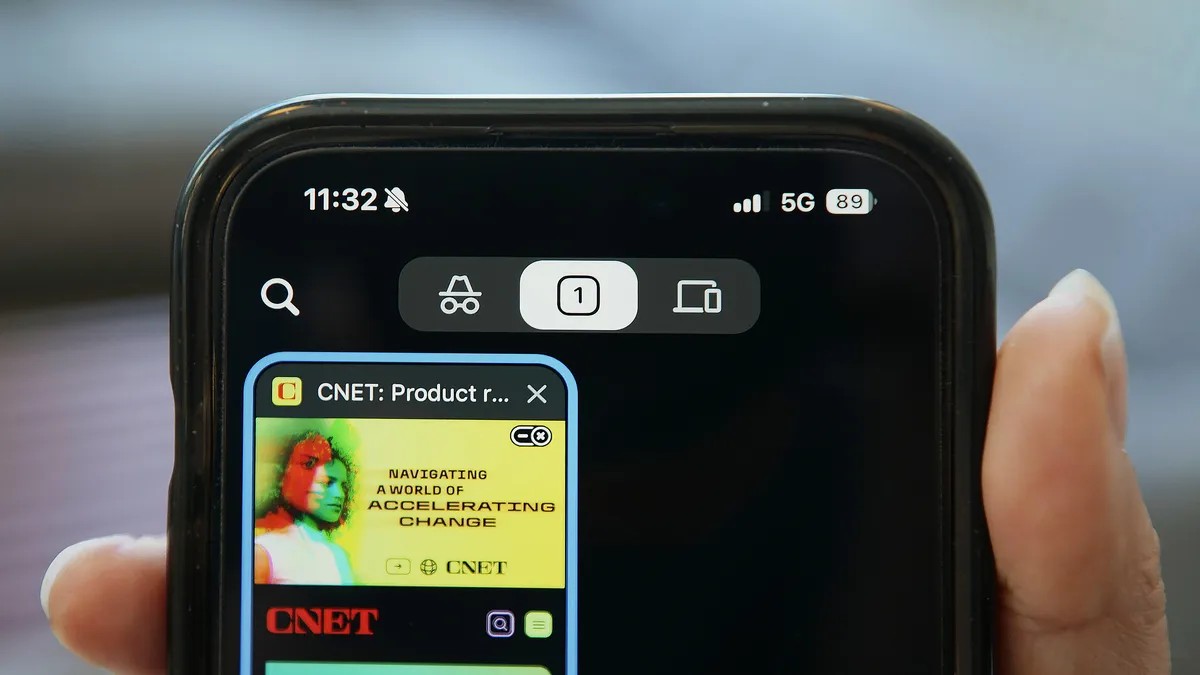
That little masked-and-crowed icon. The dark background. It whispers secrecy.
You click it, the browser dims, and you feel a rush of privacy. Like you just slipped into a private room at a crowded party.
That’s only partly true.
The Illusion
Here’s what Incognito mode—private browsing, InPrivate, whatever your browser calls it—actually does. It stops the browser on your specific device from keeping a diary. No history list. No cookies sticking around. No autocomplete remembering your last search for “symptoms of rare diseases at 3am”.
Useful? Yes.
If you are on a library computer, or your roommate borrowed your laptop, this feature prevents them from seeing where you’ve been. After you close the window.
But it’s not an invisibility cloak. 🕶️
Think of it as taking your local notebook. Incognito throws that notebook in the fire when you’re done.
The website itself? They still have a notebook. Your internet service provider? They have a notebook. Your employer’s network security team? Especially a notebook.
Private browsing limits what is stored on your device, not what is recorded everywhere else.
Who is still watching?
The websites.
If you visit Amazon, they see you. If you log into Instagram inside Incognito, Instagram still knows it’s you. It’s your account. They aren’t fooled by a browser flag. Some browsers block third-party cookies, sure. That limits some tracking. It doesn’t stop the site you’re actually talking to from collecting your data.
Your Internet Provider (ISP).
They see the traffic flow. They might not see the contents if you’re using HTTPS (that little padlock in the bar), but they definitely know you went to the site. Private mode adds zero encryption to that connection. They see the destination.
Your Employer or School.
This is where people get reckless.
If you’re on work Wi-Fi or a company-managed laptop, opening Incognito does absolutely nothing to bypass network monitoring. IT sees the domains. They can even inspect traffic. Don’t gamble on HR not seeing what you bought for your anniversary because you thought Chrome would save you.
Google.
This gets messy. A 2020 lawsuit alleged Google still pulled data via analytics and ads even in private mode. In 2024? They agreed to destroy billions of records and change their practices. But the point stands. The “private” label is marketing, not engineering.
What stays? What goes?
- Gone: History, cookies, form data, cache.
- Stays: Downloads. You saved that PDF? It’s in your downloads folder. Anyone can see it.
- Stays: Bookmarks. You clicked “Star” on that tab? It’s in your main library.
- Stays: Until you close every tab. Leaving one incognito window open keeps the session data alive on that device.
The IP Address Problem
No, your IP is not hidden.
Your IP address tells everyone roughly where you are and which ISP you pay. Incognito does zero masking there.
Want to hide your IP? You need a VPN. That routes your traffic through a server so sites see that address, not yours. Even then? Not total anonymity. If you log in, you’re identified. Cookies persist in some forms. Behavior gets tracked.
Anonymity is a mountain to climb. Incognito is a single step.
So, why use it?
Use it when you care about local clutter.
- Using a public kiosk? Yes.
- Buying a gift so your spouse doesn’t get algorithmic suggestions about it? Yes.
- Logging into a secondary Gmail account while logged into the primary? Hell yes.
It keeps your history clean. It stops the autocomplete from judging you.
Don’t use it when you’re trying to hide from a website. Don’t use it when you’re evading your ISP. It won’t help.
How to actually open it
The keys are nearly identical across the board.
- Chrome / Edge / Firefox:
Ctrl+Shift+N(Windows/Linux) orCommand+Shift+N(Mac). For Firefox specifically, it is oftenPfor private. - Safari (Mac):
Command+Shift=N. Or just click File in the top menu bar.
The name changes. The result?
A slightly cleaner local disk. That’s all.