



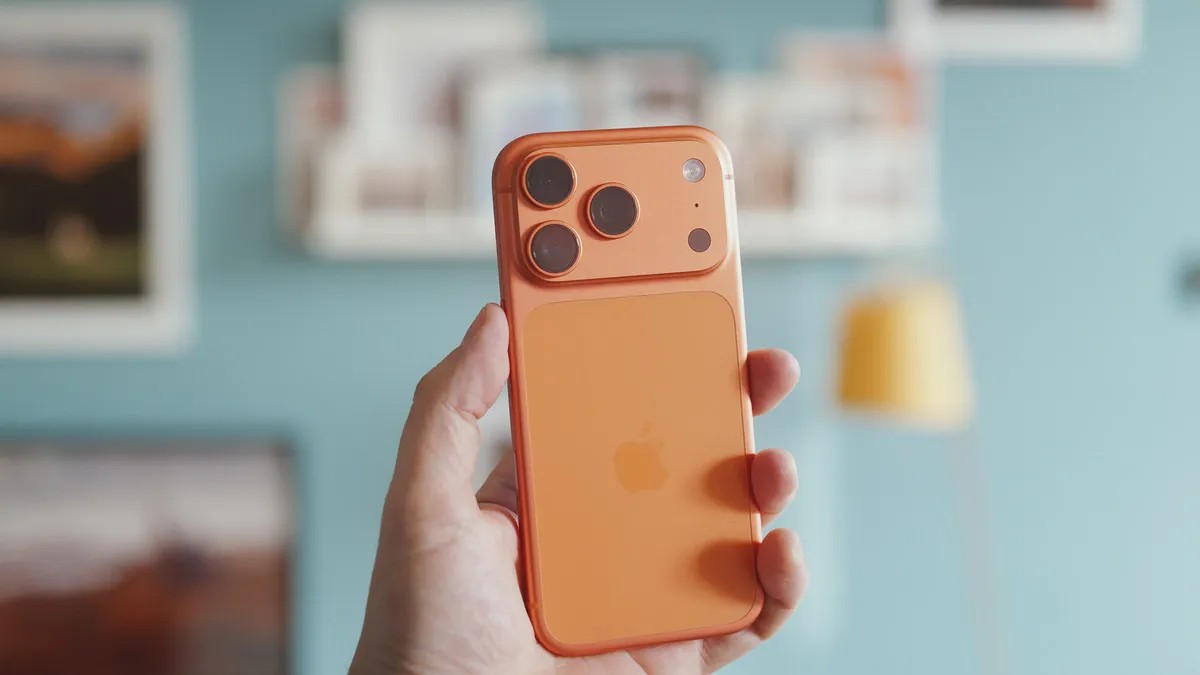
Modern smartphones, particularly iPhones, are equipped with advanced software that makes taking decent photos effortless. Point, shoot, and you’ll usually get a shareable result. However, true photographic excellence requires more than just letting the phone do the work. These six professional tips will help you take your iPhone photography beyond simple snapshots and into genuinely striking territory – whether you have the latest model or an older one.
Understanding Your Lenses
Smartphones offer multiple lenses (wide, ultra-wide, telephoto) but knowing when to use each one is critical. Don’t just cycle through them randomly. Consider your subject and surroundings. If your subject is surrounded by distractions, like trees or street clutter, use the telephoto zoom to isolate it. This simplifies the scene and makes your focus pop.
Conversely, if the surroundings add context, stick with the standard or ultra-wide lens. The ultra-wide is perfect for expansive landscapes or crowded urban environments. Moving closer and incorporating interesting foreground elements can enhance compositions when using the wider lenses.
Mastering Composition
Editing can fix colors and exposure, but it can’t salvage a poorly composed shot. Good composition separates great photos from mediocre ones. Keep horizons straight, avoid cutting off subjects, and then start experimenting.
The rule of thirds is a simple starting point: arrange key elements along imaginary lines that divide the frame into thirds. More advanced techniques include leading lines (roads, walls, paths) that draw the viewer’s eye deeper into the image.
Don’t be afraid to break the rules: intentional imbalance, negative space, and unconventional angles can add visual interest and emotional impact.
Timing is Everything: Revisiting Locations
You can control your framing and settings, but you can’t control the weather or time of day. Sunrise and sunset provide dramatic lighting and long shadows. Research the best times for specific locations to maximize their potential.
But don’t limit yourself. A rainy day can yield moody skies and reflective streets, especially at night. The iPhone’s water resistance (IP68 rated) means you can shoot in the rain without worry.
Embracing Darkness: Night Mode Mastery
Night mode on modern iPhones is powerful. Cityscapes, with their lights and reflections, make excellent nighttime subjects. Don’t hesitate to shoot in low light; the iPhone handles it better than many assume.
Taking Control: Manual Exposure
While automatic settings are convenient, they often prioritize balance over drama. Intentionally underexposing a shot creates deep shadows and highlights, resulting in a moody, striking image. Tap the screen to bring up the exposure slider and darken the scene manually. The iPhone will try to correct itself; override it.
Editing for Impact: Refine Your Style
The iPhone takes good natural photos, but editing is where you add your personal touch. Adobe Lightroom, Darkroom, or Snapseed offer precise controls over exposure, colors, and filters. Start with basic tweaks (exposure, color tuning) and experiment with black-and-white looks or retro film styles.
Apple’s ProRaw format provides maximum editing flexibility. Photographic Styles offer attractive color toning if you don’t want to edit later. Remember: there’s no right or wrong way to edit; it’s about achieving your desired look.
Ultimately, experimentation is key. Play with your editing app, revisit old photos, and don’t be afraid to try new things. You may surprise yourself with what you can create.