


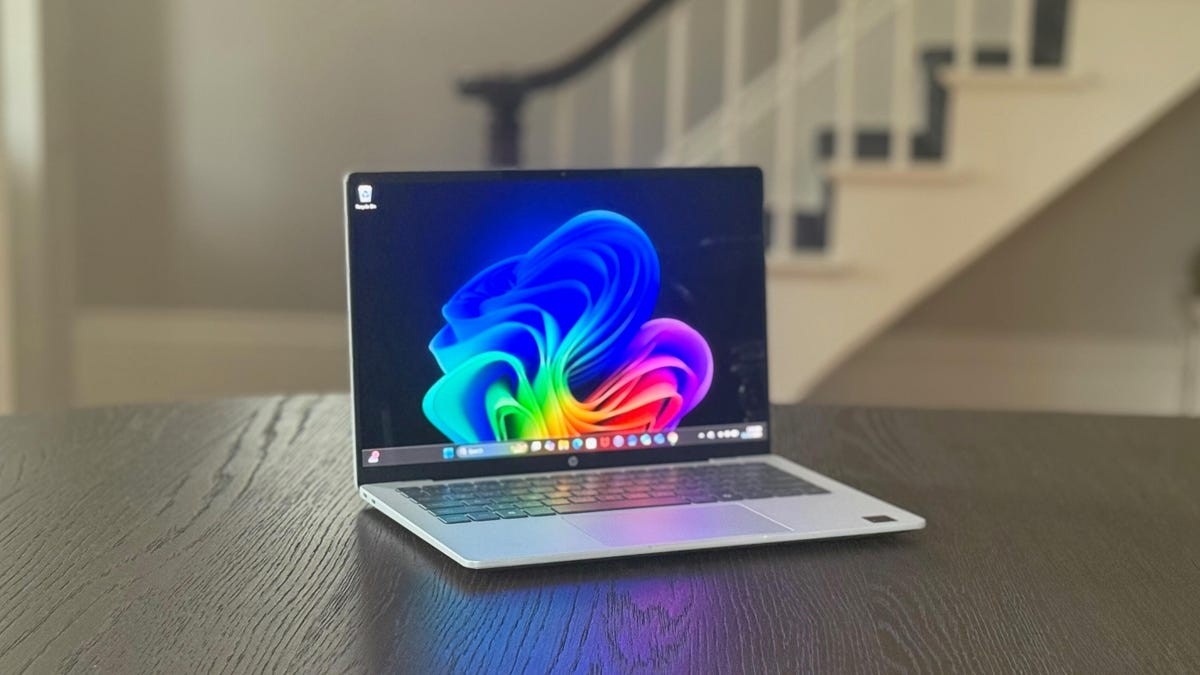
HP offers a broad range of laptops, and navigating the options can be complex. This guide breaks down key considerations – price, size, display, processor, graphics, memory, and storage – to help you find the best HP laptop for your needs. The goal is to get the most value for your money, as manufacturers increasingly limit upgradeability.
Price: Investing for Longevity
Most people keep laptops for at least three years, according to industry data. While budget options exist, stretching your budget slightly for better specs is wise. Upgrading components later is becoming harder, so prioritize getting the best configuration you can afford upfront.
- $700–$800: Ideal for reliable performance in work, school, or home use.
- $1,000+: Suitable for creative tasks or gaming, providing more power and features.
HP frequently offers discounts, so compare models to maximize your budget.
Size: Mobility vs. Productivity
Laptop size impacts portability and usability.
- 13–14 inch screens: Best for frequent travelers, students, or those prioritizing lightweight designs.
- 15–17 inch screens: Ideal for stationary use, offering more screen real estate for multitasking and comfortable viewing.
Choose based on how often you’ll move the laptop.
Display: Clarity and Detail Matter
Display quality goes beyond size. Key factors include resolution and pixel density.
- Pixel Density: Aim for at least 100 pixels per inch (PPI) for sharp text and images. Higher resolution (like 4K) can be useful even on smaller screens, as Windows scales well.
- Resolution: 1,920×1,080 (Full HD) is a minimum, while 2,560×1,440 (QHD) offers a crisper experience.
Don’t overlook aspect ratios. 16:10 displays provide more vertical space than standard 16:9 screens.
Processor: The Brains of the Operation
Intel and AMD dominate the processor market, with Qualcomm emerging as a third option with Arm-based chips.
- Core Count & Speed: Faster processors with more cores deliver better performance. Consult Intel or AMD’s websites for specific model comparisons.
- Architecture & Battery Life: Arm-based processors (like Apple’s chips and the new Copilot Plus PCs) tend to offer superior battery life compared to traditional x86 processors.
Graphics: Integrated vs. Discrete
Graphics processing units (GPUs) drive visual output.
- Integrated GPUs (iGPUs): Built into the CPU, they’re energy-efficient but less powerful. Suitable for basic tasks.
- Discrete GPUs (dGPUs): Separate chips with dedicated memory (VRAM) offer superior performance for gaming, video editing, and design work. Nvidia and AMD are the primary manufacturers.
Choose based on whether you need high-end graphics performance.
Memory: 16GB is the Sweet Spot
RAM stores data for running applications.
- 16GB RAM: Recommended for smooth multitasking and future-proofing.
- 8GB RAM: A bare minimum, but may cause slowdowns with demanding software.
- Soldered RAM: Many laptops now have memory permanently attached, limiting upgrade options. Verify before buying.
Storage: SSDs are Essential
Solid-state drives (SSDs) are faster and more reliable than traditional hard drives.
- 512GB SSD: Recommended for gaming laptops to avoid frequent game uninstallations.
- Smaller SSDs: Acceptable if you supplement with external drives or cloud storage.
Avoid cheaper, slower SSDs, as they can bottleneck performance.
Conclusion: The best HP laptop for 2026 depends on your budget and needs. Prioritize getting the most powerful configuration you can afford upfront, as upgradeability is declining. Balance size, display quality, and internal components to ensure a smooth and long-lasting experience.