



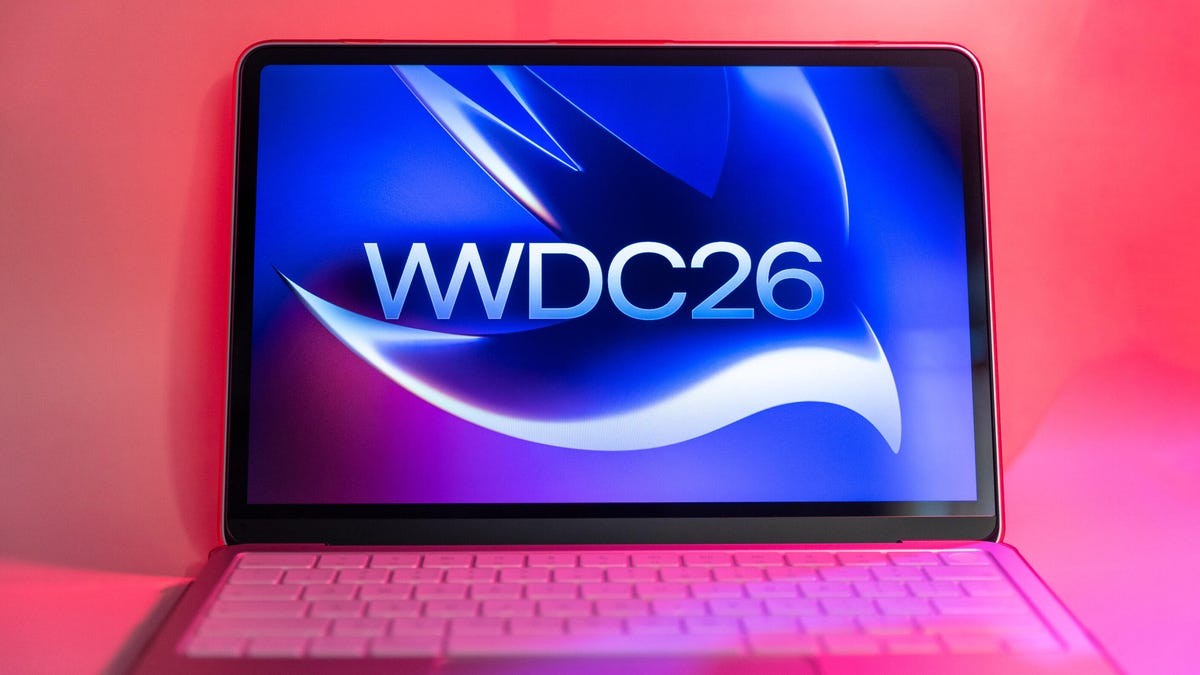
WWDC 2025 is happening this Monday.
It’s also Tim Cook’s last keynote. After this, the chair empties out. We’re expecting previews for iOS 27, yes. But the desktop? macOS 27 arrives a few months later, walking hand-in-hand with its mobile sibling.
The cycle stays the same.
Preview in June. Public beta in July. Real release in September.
People expect this year to be boring on the design front. No wild shifts. No feature floods. Just… performance. Stability. But wait. It is looking different. Subtly. Unavoidably.
Check if your machine survives. Or just prepare for the end.
Buh-bye, Intel. Good riddance?
Here’s the hard truth before we talk UI.
Intel support is dead for macOS 27.
If your Mac survived the pandemic years on borrowed time, this is where the rope snaps. Stay on macOS 26 Tahoe. There is no leap. No bridge.
Apple isn’t evil, though. Security patches continue for three years. Your machine stays safe, even if it stops moving forward.
The victims:
- 13-inch MacBook Pro (Late 2020 model, the one with four ports)
- 16-inch MacBook Pro (Early 2019, the big one)
- 27-inch iMac (Late 2020, the colorful bezel era)
- Mac Pro (Early 2029? No. 2019. The tower that smells like burning ambition.)
Running Intel apps via Rosetta 2 on your new Apple Silicon Mac? Enjoy it now. macOS 27 is the last train for Rosetta. Once that update lands, the emulation vanishes.
If you’re on an M-series chip? You’re golden. From the original M1 right up to the rumored A18 Pro MacBook Neo. Update freely.
Siri gets a brain transplant (kind of)
AI.
Always AI.
WWDC 26 will bow to it like every other tech show.
Apple Intelligence takes center stage. But really, it’s Siri. Finally.
Think of it as Siri’s ChatGPT moment.
It gets its own app. It acts less like a smart fridge and more like… an assistant that reads the room. Or at least your screen.
The new Siri can:
- Search the web and read your current screen
- Handle pronouns correctly (a first for most AIs)
- Contextually understand your ramblings
It’ll dig through Mail, Messages, Photos, Notes, you name it. Summaries will happen. Image generation will likely too.
How? Most of it on-device.
But heavy lifting? That goes to the cloud. And here’s the kicker—Apple reportedly uses Google Gemini for the hard stuff.
Why ask Google for help when you’re building the next big AI platform? Maybe because the competition has had years to play in the sandbox while Apple slept. Convincing us to ditch ChatGPT or Claude?
It’s going to be a fight.
“Siri needs to stop answering yes/no and start answering why.”
Polishing the Liquid Glass
Last year Apple dropped Liquid Glass.
Everyone hated it. Everyone loved it. Mostly hated.
Those reflections? Distraction city. Especially when things overlap. I’ve gotten used to the blur on my iPhone and Watch. Maybe my brain just accepted defeat. Maybe I just ignore the fog.
There was a glimmer of hope earlier: a slider in iOS 26.2 letting you choose between solid opacity and the glassy mess on the lock screen.
Do we get that slider in macOS? Probably.
If you hate the transparency, turn it down. Make the text legible again. Make it opaque. Solid. Safe.
Apple might also sharpen the edges. Cleaner contrast. Less muddy overlap.
It won’t change the design philosophy. It just cleans the windows.
The Touchscreen Elephant in the Room
Whispers exist.
For months.
An OLED touchscreen MacBook Pro might drop this fall.
If the hardware is coming… is the software ready?
WWDC is for coders, not consumers. We won’t see a new MacBook here. And Apple usually guards the secret sauce until launch day.
Will macOS 27 show us the UI?
Probably not.
But can we play detective? Can we look for buttons that are just slightly larger? Spacing that hints at fingers, not mice?
It’s unlikely.
But it’s fun.
The hunt for pixels. The hope that our screens will finally listen when we tap them.