


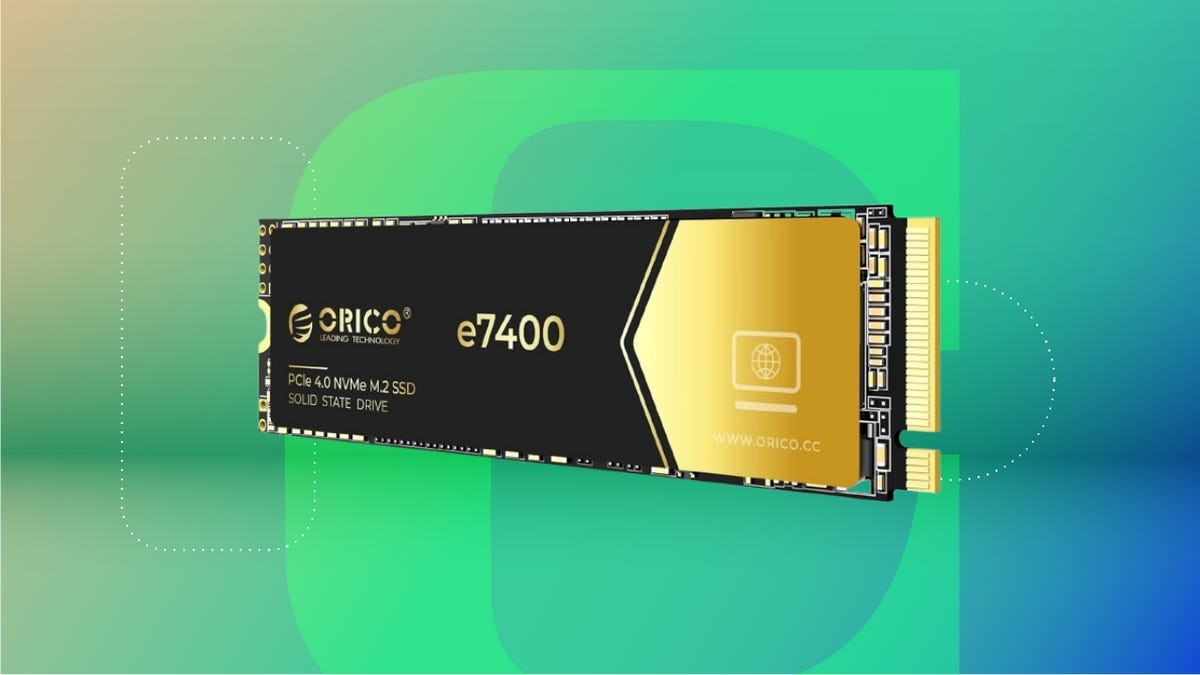
With modern games demanding more space and digital lives filling up with photos and videos, computer storage is a constant concern. Upgrading to faster, larger storage is often the solution, but understanding the options – hard drives (HDDs), solid-state drives (SSDs), and the newer NVMe drives – is crucial. Each type offers distinct advantages and disadvantages, making the “best” choice dependent on your needs and budget.
Understanding Your Options
The core difference lies in how data is stored. Traditional hard disk drives (HDDs) use spinning magnetic platters, while solid-state drives (SSDs) rely on flash memory with no moving parts. Newer NVMe SSDs use the faster PCIe interface for even quicker data transfer.
Your computer’s motherboard dictates what you can install. Most desktops allow for multiple drives, but laptops are often limited. Before buying, check your motherboard’s specifications (using Windows’ msinfo32 tool on PC or Apple Support’s resources on Macs) to confirm compatibility.
Hard Drives (HDDs): Capacity at a Cost
HDDs remain the most affordable option for large-scale storage. You can easily get several terabytes of storage for under $200.
- Pros: High capacity, low cost per gigabyte, widely compatible.
- Cons: Slowest performance, physically bulky, audible operation.
Ideal for: Archiving photos, videos, or backing up files where speed isn’t critical.
Solid-State Drives (SSDs): A Performance Boost
SSDs bridge the gap between capacity and speed. They’re significantly faster than HDDs, with no moving parts, making them more reliable and silent.
- Pros: Faster than HDDs, more durable, smaller size.
- Cons: More expensive per gigabyte than HDDs, still slower than NVMe.
Ideal for: Replacing slow boot drives, loading games faster, and overall system responsiveness.
NVMe SSDs: The Fastest Option
NVMe SSDs represent the pinnacle of storage performance. They leverage the PCIe interface for speeds several times faster than SATA SSDs.
- Pros: Extremely fast, small form factor (M.2), ideal for demanding applications.
- Cons: Most expensive, requires motherboard compatibility.
Ideal for: Gamers, video editors, and anyone needing the fastest possible storage.
Making the Right Choice
The best storage upgrade depends on your priorities:
- Budget Backup: HDD for raw capacity.
- Performance Upgrade: SSD (SATA or M.2) for faster boot times and application loading.
- Maximum Speed: NVMe SSD (if your motherboard supports it) for the quickest performance.
Alternatives include external hard drives (simpler, but slower) and cloud storage (convenient, but reliant on an internet connection).
Ultimately, storage devices will fail – it’s a matter of when, not if. Consider redundancy (RAID setups) or a combination of local and cloud backups for data protection.


