


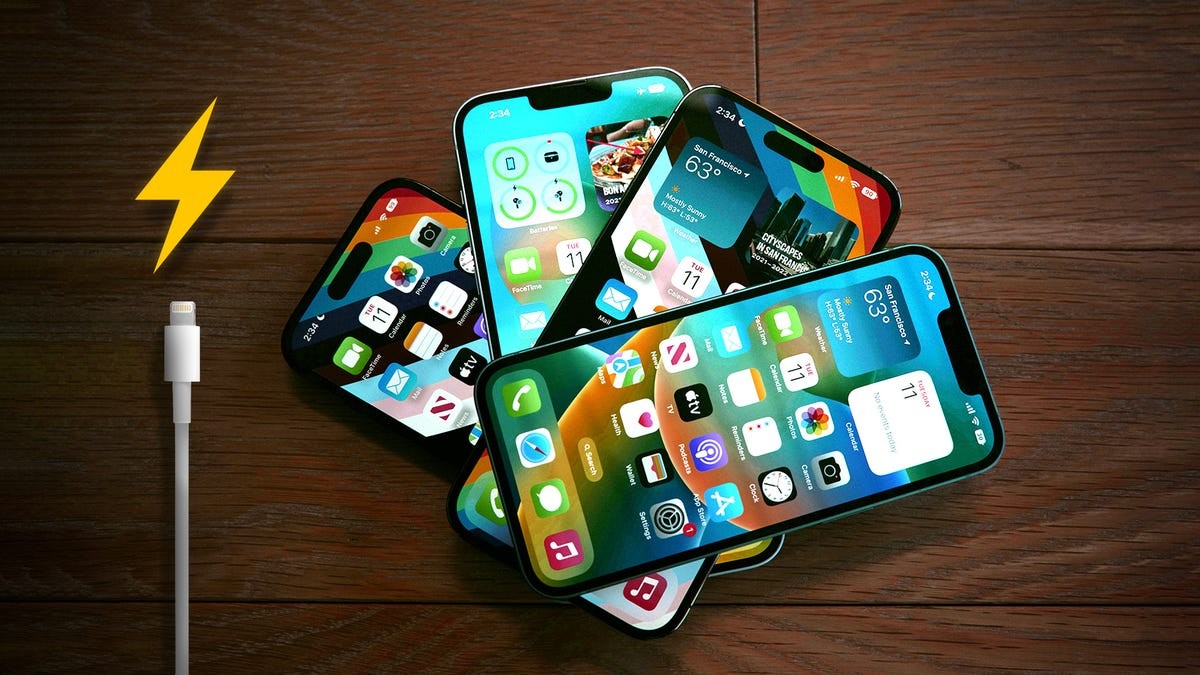
Many iPhone users struggle with battery life despite newer models promising improvements. The problem isn’t always the battery itself; often, it’s high-performance features running in the background that drain power unnecessarily. While batteries degrade over time, optimizing settings can significantly extend usability. Here’s how to reclaim hours of battery life without buying a new device.
Lock Screen Widgets: A Constant Drain
Lock screen widgets—like live sports scores or weather updates—force apps to run continuously, fetching data even when you’re not actively using your phone. This constant background activity impacts battery life.
To disable widgets: press and hold on your lock screen, then swipe to select a profile without widgets. Alternatively, customize your existing lock screen by tapping “Customize,” then removing widgets by tapping the “-” button next to each one. This simple change can yield noticeable gains in battery longevity.
Reduce Motion: Subtlety Saves Power
iOS animations—fluid app transitions and Siri activation effects—enhance the user experience but consume energy. The “Reduce Motion” setting dials back these visual effects.
To enable: go to Settings > Accessibility > Motion and toggle on “Reduce Motion.” This subtle change minimizes unnecessary strain on your device, resulting in longer battery life.
Disable Keyboard Haptic Feedback
Haptic feedback, introduced in iOS 16, adds vibrations to each keystroke for a more immersive typing experience. While enjoyable, Apple acknowledges this feature can impact battery life.
To disable: navigate to Settings > Sounds & Haptics > Keyboard Feedback and turn off “Haptic.” This is an easy step to take, and it can help extend battery life between charges.
Conclusion:
Optimizing these three settings—disabling lock screen widgets, reducing motion, and turning off keyboard haptics—can significantly improve iPhone battery life. These adjustments allow you to get the most out of your device without relying solely on Low Power Mode or frequent charging.


