



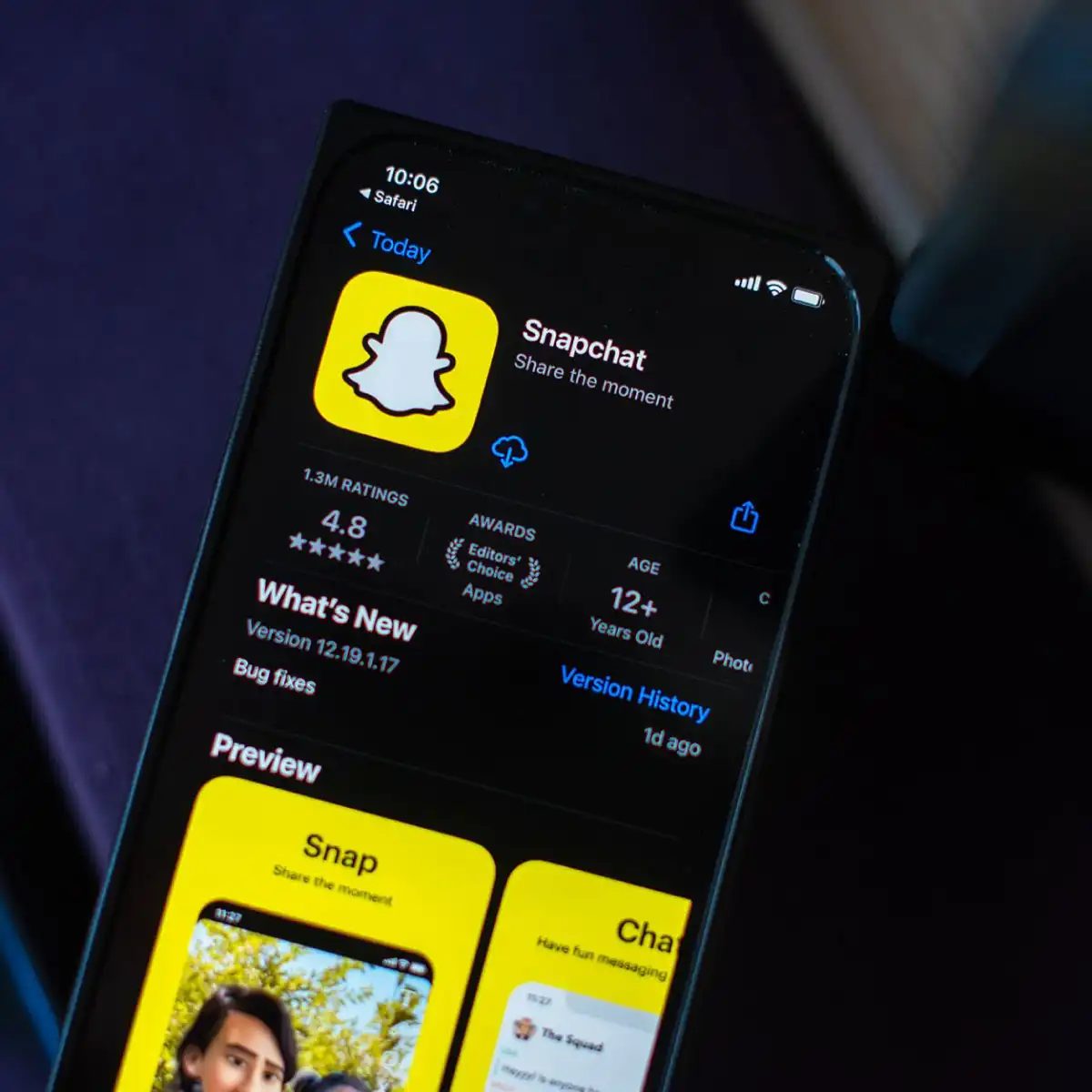
That app, founded by Evan Spiegel, Bobby Murphy, and Reggie Brown in 2011, still exists. It’s called Snapchat. When it first came out, it was a platform that focused on photo and video sharing, but was based on messaging speed and the idea of a short lifespan. Today, it is still in a strong position, especially among young people. So, what exactly does this app do that makes it so popular? Here are the details.
Instant Sharing and Disappearing Content Logic
Snapchat’s core philosophy is based on “living in the flow.” Users take photos or videos and send them to their friends. However, these contents are not stored forever. It disappears automatically after a certain period of time (within seconds). This feature encourages users to share more authentically and with fewer filters.
Messaging and Communication Ease
The application is designed not only for visual sharing but also for instant messaging. Users can quickly send messages to each other, use emojis, and even leave short video messages. This offers an alternative communication channel to traditional SMS or long email traffic.
Why Do Young People Prefer It?
Snapchat has an intense usage rate, especially among Generation Z and Generation Y. Among the reasons for this:
- Feeling of privacy: Disappearing content allows you to share more easily and without hesitation.
- Visual-oriented interface: The application highlights images instead of text.
- Quick interaction: Notifications and instant reactions accelerate social media usage habits.
Filters and Events
Snapchat was one of the first apps to popularize the concept of “filters.” Users can add filters that work with facial recognition technology to the photos or videos they take. These filters offer fun effects like applying makeup, changing age, changing environment, etc.
Additionally, features like “Spotlight” and “Story” allow users to spread instant content to a wider audience or just to their own circle. The Story feature offers a stream of content that deletes after 24 hours, making it ideal for sharing highlights of daily life.
Result
Snapchat occupies a different niche in the social media world. With its fast, visual and short-lived content-oriented structure, it continues to be a platform preferred especially by young people. Whether you’re sharing a quick smile or an everyday moment, the experience Snapchat offers has a different rhythm than traditional social media.
Well, you too can follow this rhythm
Snapchat has found its own place in the crowd of social media giants. From where? Because the rules work according to their own rules. This application offers a different dynamic for those who are bored of the standard “like” and “share” culture. Here are the basic building blocks that distinguish this platform from others.
1. Sharing Instant Posts (Snaps)
Users share their photos and videos in formats called “Snap”. These contents are not permanent. They disappear after a certain period of time. This duration can be adjusted by the user. It may be a few seconds. And for minutes.
This trait reflects the spontaneous nature. It is designed to enjoy the moment rather than keep a photo forever.
2. Direct Messaging and Auto-Delete
The heart of Snapchat is messaging. Users can communicate with their friends instantly. You can send photos, videos or text.
What is the critical detail here? After viewing, messages are automatically deleted. This supports the digital leave-no-trace philosophy. For many users, this privacy is a big draw.
3. 24 Hour Stories
The “Story” section on Snapchat allows users to keep their posts for 24 hours. These stories are made available for your friends and followers to see.
Although this format has been copied by other platforms such as Instagram Stories, the feature has deeper roots in Snapchat. Users share their daily lives in a seamless flow. These contents are automatically deleted after 24 hours. There is no permanence.
4. Filters and Lens Technology
Snapchat is known for visual filters. These filters add different effects to photos or videos. Everything is possible, from simple options like geofilters to seasonal themes.
But the real stars are the “Lens”. They add interactive elements using facial recognition technology. This goes beyond fun experiences. Provides real-time facial manipulation. Users can apply masks, animations, and visual changes. This technology is one of Snapchat’s most powerful innovative aspects.
5. Explore Section
The “Discover” section on Snapchat offers users popular content, news and entertainment. Campaigns of brands are also included in this area.
This section allows one-way consumption. Users can explore topics they are interested in outside of the content they create. content producer

Location awareness: maps and privacy trade-offs
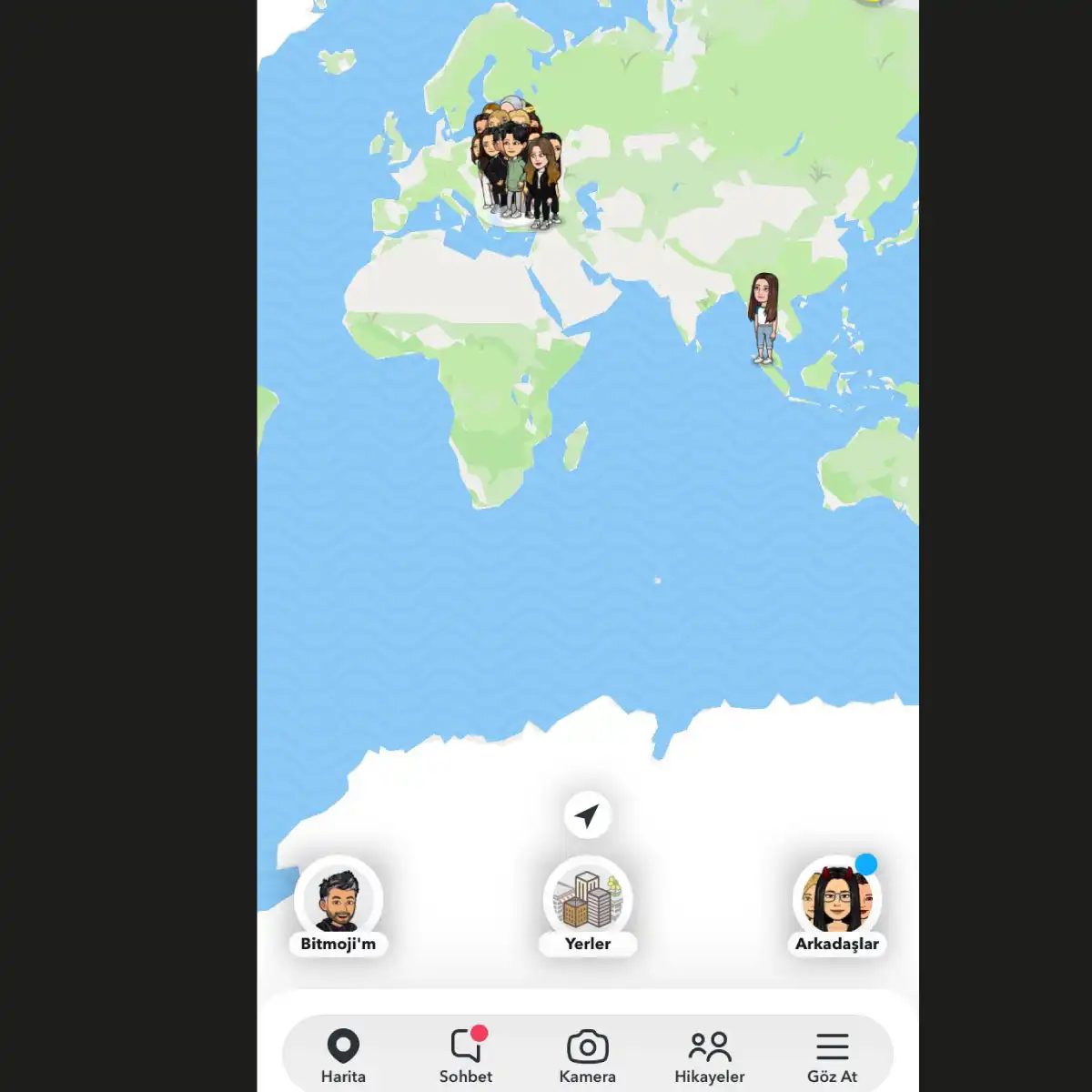
Snapchat’s map feature is more like a social pressure cooker than GPS tracking. See where your friends are. You can hide yourself, but the interface prompts you otherwise. It’s the age-old dynamic of comfort and privacy. Click to share. Or maybe I don’t know. But when I run this, a dot appears on the screen. that’s it. Simple. It can be dangerous if you are not careful.
Discover: carefully selected content feeds
The Discover page is where Snapchat tries to become a news network. It didn’t make me a reliable source of information, but I managed to distract. Get clips from media agencies and brands. Shiny. It is very safe. It is also very passive. Browse. Do you understand? i forgot it’s designed to keep you using the app instead of a notification.
Snap Map: general window
Snap Maps tracks individual locations and scales it to the city level. When you view the map, you’ll see a heat map of a specific event. concert festival. Protests. It’s a voyeur photo with a filter. You no longer need to mark your location. You are in someone else’s shoes. This way you can know what is happening in Tokyo from the comfort of your home.
Snapstreak: a digital chain reaction
Snapstreak is more than just a number. This is a hosting situation. Send a snapshot. They send one back. A flame icon will appear. The number goes up. If you miss a day, you’re done. Psychological limitations are real. People woke up at 3 am just to continue this streak. This is a pointless participation. However, it is highly addictive.
Avatars: Bitmoji and Friendmoji
Bitmoji turns users into cartoon versions of themselves. Customize your hair. clothing expression Let’s tap it. It has established itself as a caricature. Then there’s Friendmoji. Match your profile picture with your friend’s profile picture. This is a digital handshake. This is also data collection. Connect two accounts to a shared digital ID. It feels sweet. Actually, it is face tracking.

Save your best snapshots in your memories
Snapchat’s main selling point is its ephemeral nature. The message disappears. The story disappears. But people tend to forget things or at least regret something if we remove it too soon. Snapchat acknowledges this with Memories, the app’s local archive.
When you save an image, it is not immediately saved to the cloud. remains on the device. This means you can remember an old photo a few weeks later and re-share it to your story or send it to a friend who missed the original excitement. It’s basically a private archive. You have complete control over what to keep and what to delete.
If you think of Snapchat as a fire hose, Memories is a bucket.
This feature isn’t just for nostalgia. This is a useful tool for content creators who want to reuse successful content. You also don’t have to panic when you close the app and realize you forgot to save a funny face filter.
Speed up your videos easily
Standard video recording can be boring. Standing shots lack energy. Snapchat speed control solves this problem without the need for external editing software. No need to import a clip into another app just to change the speed.
This interface allows you to control the playback speed in real time. You can increase the speed and get a time-lapse effect. This is perfect for long processes or busy street scenes that you want to show in a few seconds. On the other hand, a slow-motion performance adds to the drama. A simple walk becomes a cinematic moment.
There is also a rewind function. You can play the video backwards. This creates confusing and interesting visuals that are perfect for fast, abstract cuts. Experimentation is the key. If your application supports multi-segment editing in its particular version, try mixing speeds in one video. It keeps the audience engaged.
Capture the darkness
Dim light is the enemy of mobile photography. The sensor is stuck. Noise comes in and colors fade. Snapchat solves this problem with night mode.
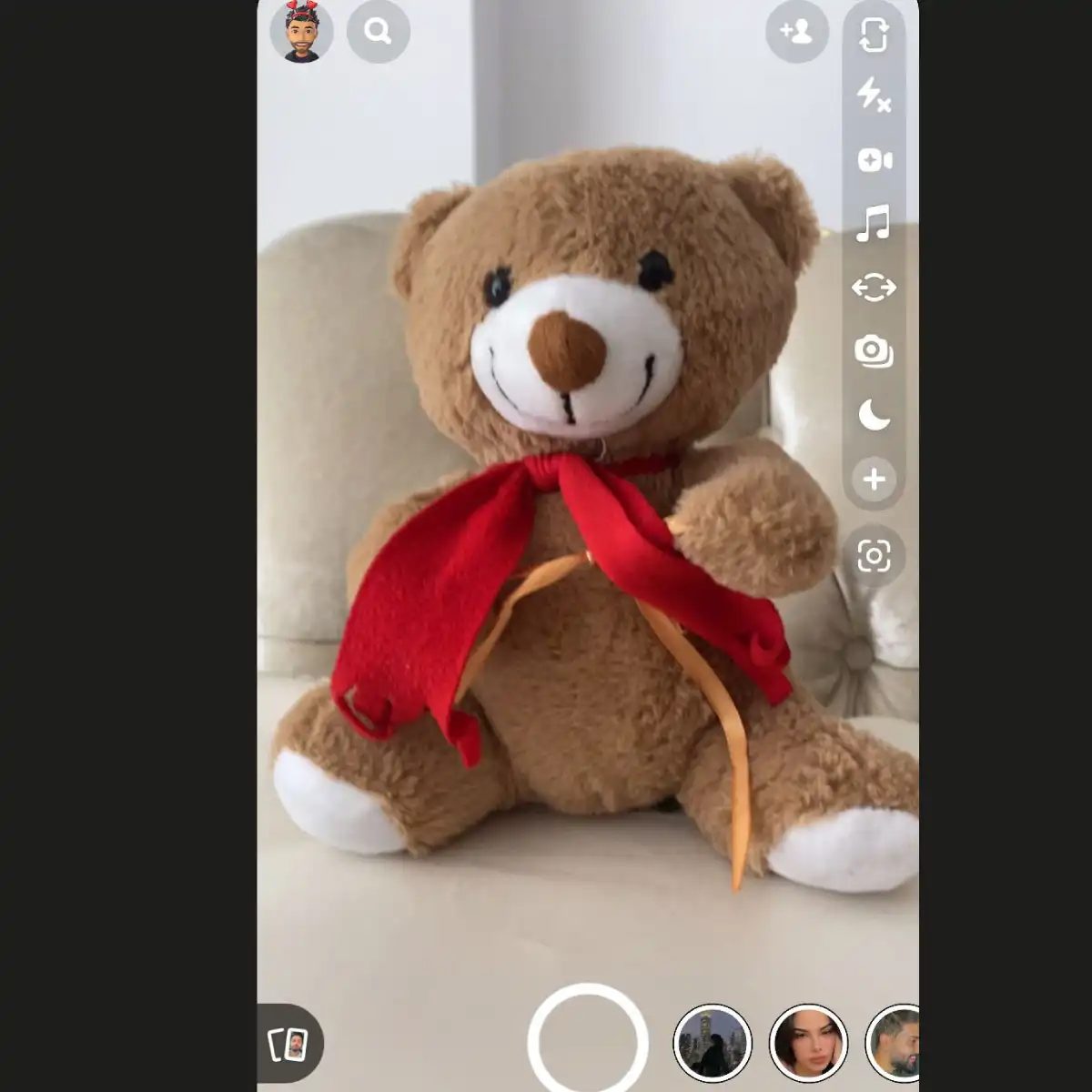
It can be accessed by tapping the moon icon in the upper left corner of the camera screen. It’s not a filter. This is a computational photography feature. The app adjusts exposure settings and processing algorithms to brighten the scene. The results are clearer. Details will appear. The color stays as it is without cloudiness.
This is especially useful at concerts, outdoors or walking home after dark. You get functional images without the grainy smudges that are common in older cell phone cameras. It allows you to share moments every night.
Why birthdays feel different on Snapchat
Personal milestones are often overlooked by social media algorithms. Not so with Snapchat. It remembers your birthday. This is what you want your friend to know.
As your birthday approaches, a cake icon will appear next to your name in the chat list. This is subtle. It’s there, but it doesn’t scream. If your friends see this, they’ll know they need to log in.
There is a filter for this day. Add confetti. It’s festive, but not too much so. To enable this feature, set your date of birth in the settings menu and enable the party feature. If it is not set, the application cannot trigger the icon.
This creates a small social circle. you share My friend also admits this. The application encourages interaction. This is an effortless way to stay connected.
How does this affect daily use?
These features will change the way you use the platform. Memories guide curation. you will become
16. Restricting Data Consumption with Travel Mode
For those who want to connect to the internet without worrying about bills, activating travel mode on Snapchat is the most practical solution. This feature is especially vital abroad or on lines with data limits. When the mode is on, Snapchat does not run other applications in the background. In this way, you reduce the risk of exceeding your data limits to zero. This feature, which you can turn on or off with a single tap from the settings menu, completely stops background data usage and gives you back control.
17. Who Watched Your Story and Took Screenshots?
Snapchat’s latest updates contain an important detail for users with high privacy concerns. You can now see the people who took screenshots in your story. To access this information, the answer to the query who sees the stories is simple: Tap your own profile photo on the home page or the three-dot menu next to your story. In the panel that opens, there is a list of those who viewed your story. In this list, a small camera icon appears in front of users who take screenshots. This detail is useful for understanding who is interested in how much (or how jealous they are), but also provides transparency in terms of protecting personal data.
18. Get to Know the Music Around You: Shazam Integration
Thanks to the Shazam integration on Snapchat, you can instantly find the songs playing around you. For those who ask How to define music on Snapchat, the process is quite fast. After turning on the camera mode, just press and hold the screen. Shazam comes into play and brings up the name, artist and album information of the song playing. You can instantly add the identified track to your Snaps or share it with your friends. This feature increases social interaction for music discoverers.
How to Use Bitmoji on Snapchat?
For those looking for a personalized avatar experience, Bitmoji Snapchat integration is a must. First you need to download the Bitmoji app and create an account. Then, when you pair this account with your Snapchat account, your personal avatar is transferred to the Snapchat ecosystem. You can open the Bitmoji keyboard by tapping the keyboard icon while messaging and add the emoji you want to your Snaps. This offers a more personal range of expression than standard emojis. The options to customize your avatar are extensive, so the reflection on your profile remains unique to you.
Live events and Snapchat features
Snapchat’s Our Stories feature lets you stay connected with real-time events. Just turn on the camera during the event and click the “Our Story” button to add your photo to the shared feed. Not everyone sees this. Limited to specific locations and events. Cannot be used if it does not exist.
Basics of account settings
Creating an account is simple. Download the app. Open it. Follow the instructions. Username and password are required. This is a basic requirement.
Share your story
Take a photo or video to share your personal story. Click the “Submit” button. Select “My story” from the options. Your content will be visible to your friends. Lasts 24 hours unless stored.
Use filters
Filters change the appearance of the buttons. Swipe the camera screen left or right. Some use facial recognition. Some people rely on GPS or time. Choose one. I’ll take a picture. share. The filter is stuck.
Add a friend
Find someone easily. Click on your profile icon in the upper right corner. Select “Add Friend”. Enter your username. Or synchronize your contacts. Submit your request. Awaiting approval. That’s where the connection begins.
Save visibility period
How long are snapshots kept? It depends. Some items may disappear after viewing. Some stay up to 24 hours. The sender controls the timer during creation. Please check your settings before sending.


